

Video Signal targeting
Add Video Signal Targeting Workflow
This section guides you through the workflow for setting the Add Video Signal Targeting parameters in the Deal Portal. For field details, see the Data Dictionary for Add Video Signal Targeting.
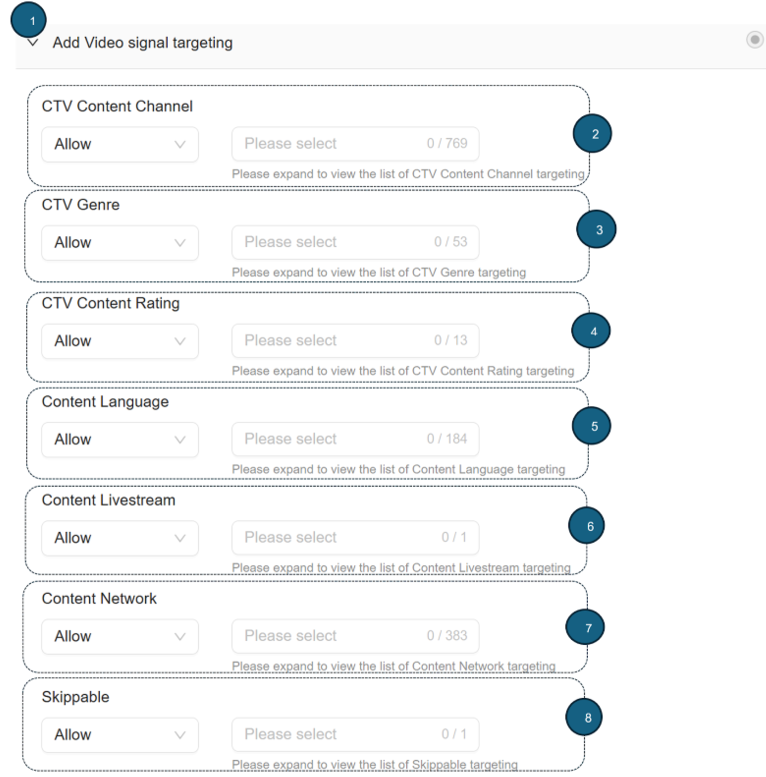
Follow these instructions for setting the Add Video Signal Targeting parameters:
1. Add Video Signal Targeting
- Click to expand the Add Video Signal Targeting section.
This section lets you target your deal by CTV content channel, CTV genre, CTV content rating, content language, content livestream, content network, and skippable.
2. CTV Content Channel
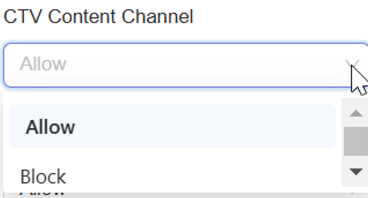
- From the CTV Content Channel dropdown, select Allow or Block.
- Allow: Permit your ads to appear in the selected content channel.
- Block: Restrict your ads from appearing in the selected content channel.
- From the list, select one or more CTV Content Channel options you want to allow or block.
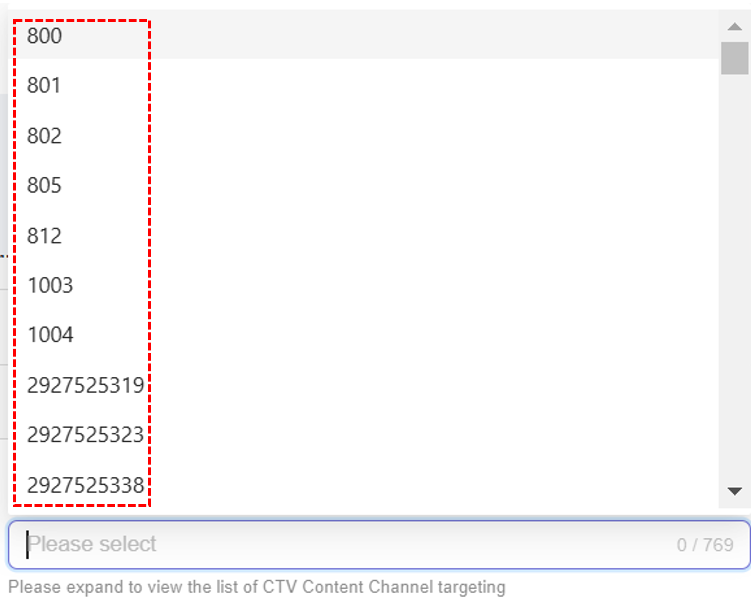
- After selection, your selected options are automatically added and saved to your deal.
- Remove selected option
- To remove a selected option, click x next to it.
- To remove all selected options, click Remove All x.

3. CTV Genre
- From the CTV Genre dropdown, select Allow or Block.
- Allow: Permit your ads to appear in the selected genre.
- Block: Restrict your ads from appearing in the selected genre.
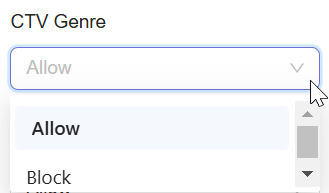
- From the list, select one or more CTV Genre options.
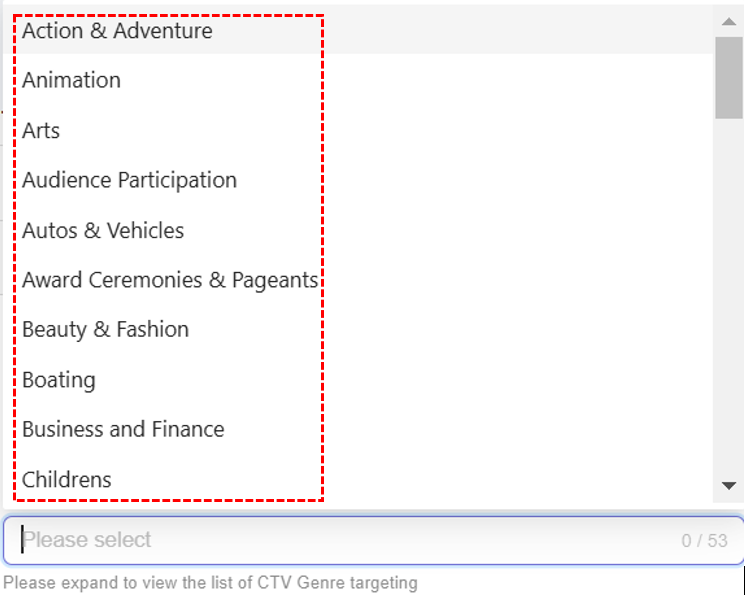
- After selection, your selected options are automatically added and saved to your deal.
- Remove selections
- To remove a selected option, click x next to it.
- To remove all selected options, click Remove All x.

4. CTV Content Rating
- From the CTV Content Rating dropdown, select Allow or Block.
- Allow: Permit your ads to appear in the selected content rating.
- Block: Restrict your ads from appearing in the selected content rating.
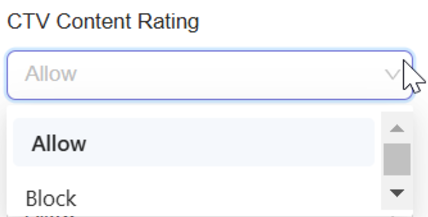
- From the list, select one or more CTV Content Rating options.
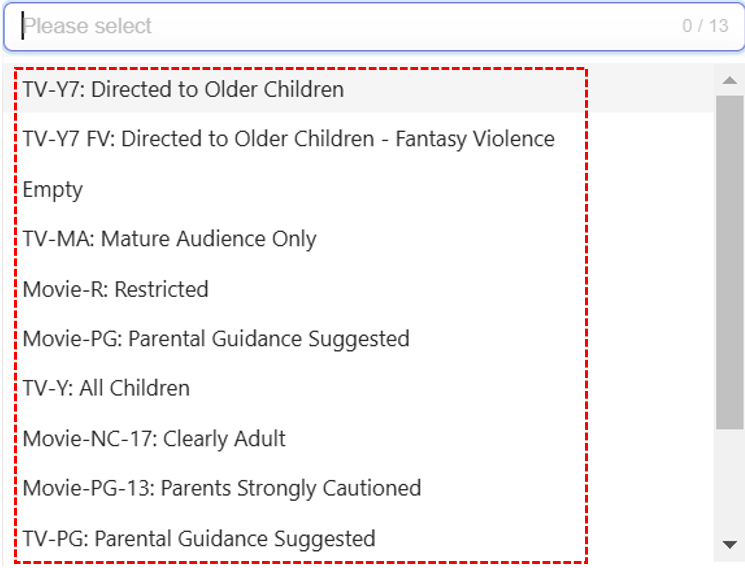
- After selection, your selected options are automatically added and saved to your deal.
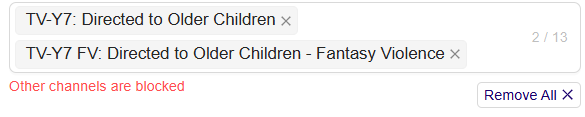
- Remove selections
- To remove a selected option, click x next to it.
- To remove all selected options, click Remove All x.
5. Content Language
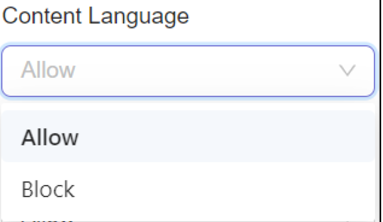
- From the Content Language dropdown, select Allow or Block.
- Allow: Permit your ads to appear in the selected content language.
- Block: Restrict your ads from appearing in the selected content language.
- From the list, select one or more Content Language options.
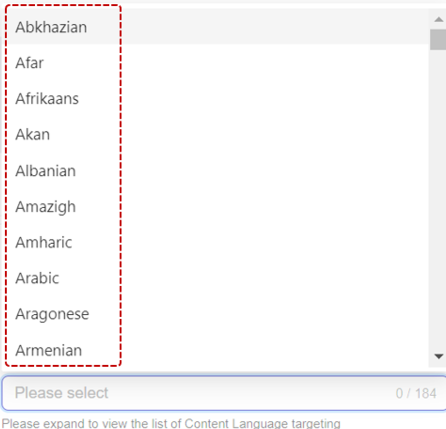
- After selection, your selected options are automatically added and saved to your deal.
- Remove selections
- To remove a selected option, click x next to it.
- To remove all selected options, click Remove All x.

6. Content Livestream
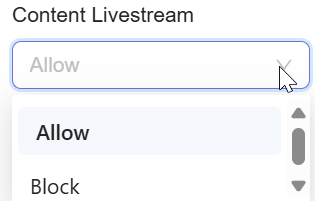
- From the Content Livestream dropdown, select Allow or Block.
- Allow: Permit your ads to appear in the selected content livestream.
- Block: Restrict your ads from appearing in the selected content livestream.
- From the list, select one or more Content Livestream options.
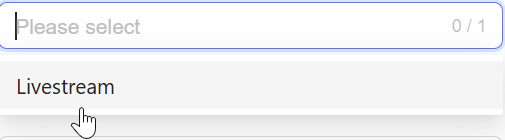
- After selection, your selected options are automatically added and saved to your deal.
- Remove selections
- To remove a selected option, click x next to it.
- To remove all selected options, click Remove All x.
7. Content Network
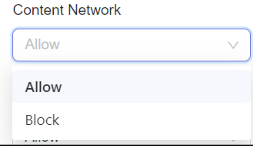
- From the Content Network dropdown, select Allow or Block.
- Allow: Permit your ads to appear in the selected content network.
- Block: Restrict your ads from appearing in the selected content network.
- From the list, select one or more Content Network options.
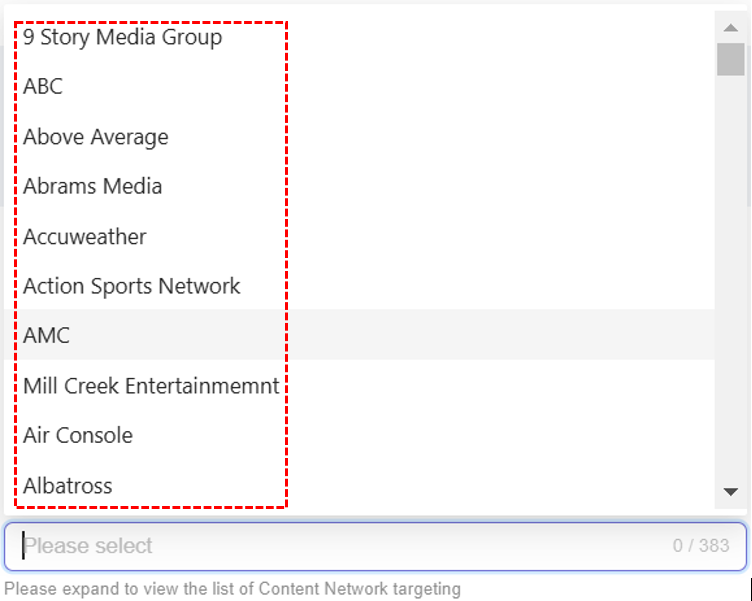
- After selection, your selected options are automatically added and saved to your deal.
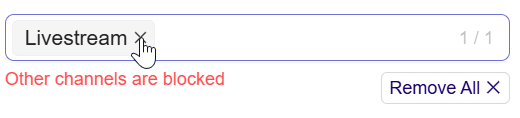
- Remove selections
- To remove a selected option, click x next to it.
- To remove all selected options, click Remove All x.

8. Skippable
- From the Skippable dropdown, select Allow or Block.
- Allow: Let viewers skip ads.
- Block: Prevent viewers from skipping ads.
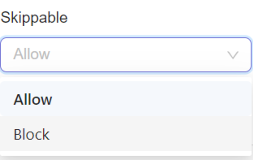
- From the list, select Skippable options.

- After selection, your selected options are automatically added and saved to your deal.
- Remove selections
- To remove a selected option, click x next to it.
- To remove all selected options, click Remove All x.

Updated about 1 month ago
Did this page help you?