

Logging into the Deal Portal
To log in to the Deal Portal, you must have a registered user account. If you do not have an account, please contact your designated account manager. For more information about account setup and access, see the Registering Your User Account section.
Once your user account is registered, follow the steps below to log in:
-
Open your web browser and navigate to: https://marketplace.verve.com/
-
On the login page, enter your registered Verve email address and password.
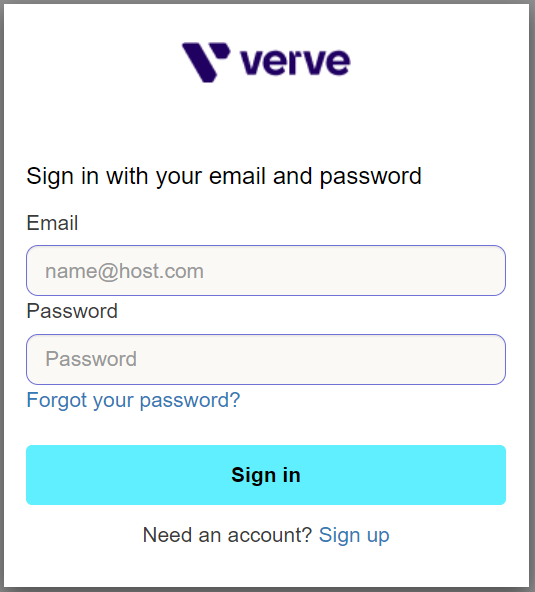
Login Page
-
Click Sign in. You will be redirected to the Deal Portal Dashboard.
-
If you have forgotten your password, click Forgot your password? on the login page and follow the instructions sent to your email address to reset it.
-
If you do not have an account, click Sign up at the bottom of the login page. To request a new user account, please contact your designated account manager.
Updated 3 months ago